SiteDocs Features Overview
All the tools you need
From building forms to monitoring compliance, all your safety compliance needs are at your fingertips.





Setup and Rollout
CREATE FORMS
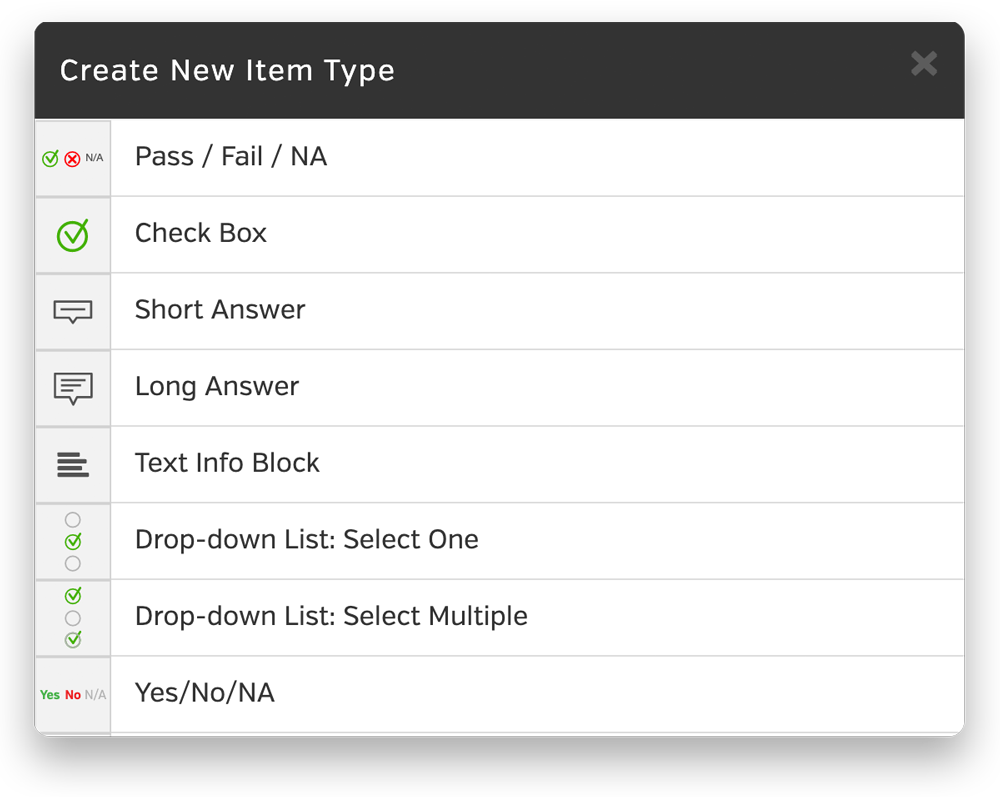
Easily Build Any of Your Forms
Choose from a variety of form item types – Use a wide variety of input fields to re-create and enhance your existing forms.
Repeatable and collapsible sections – Let users repeat a set of questions with a single tap or collapse sections that aren’t needed.
Private Forms – Designate forms as private so signed copies can only be viewed by administrators.
UPLOAD PDF FILES
No More Binders
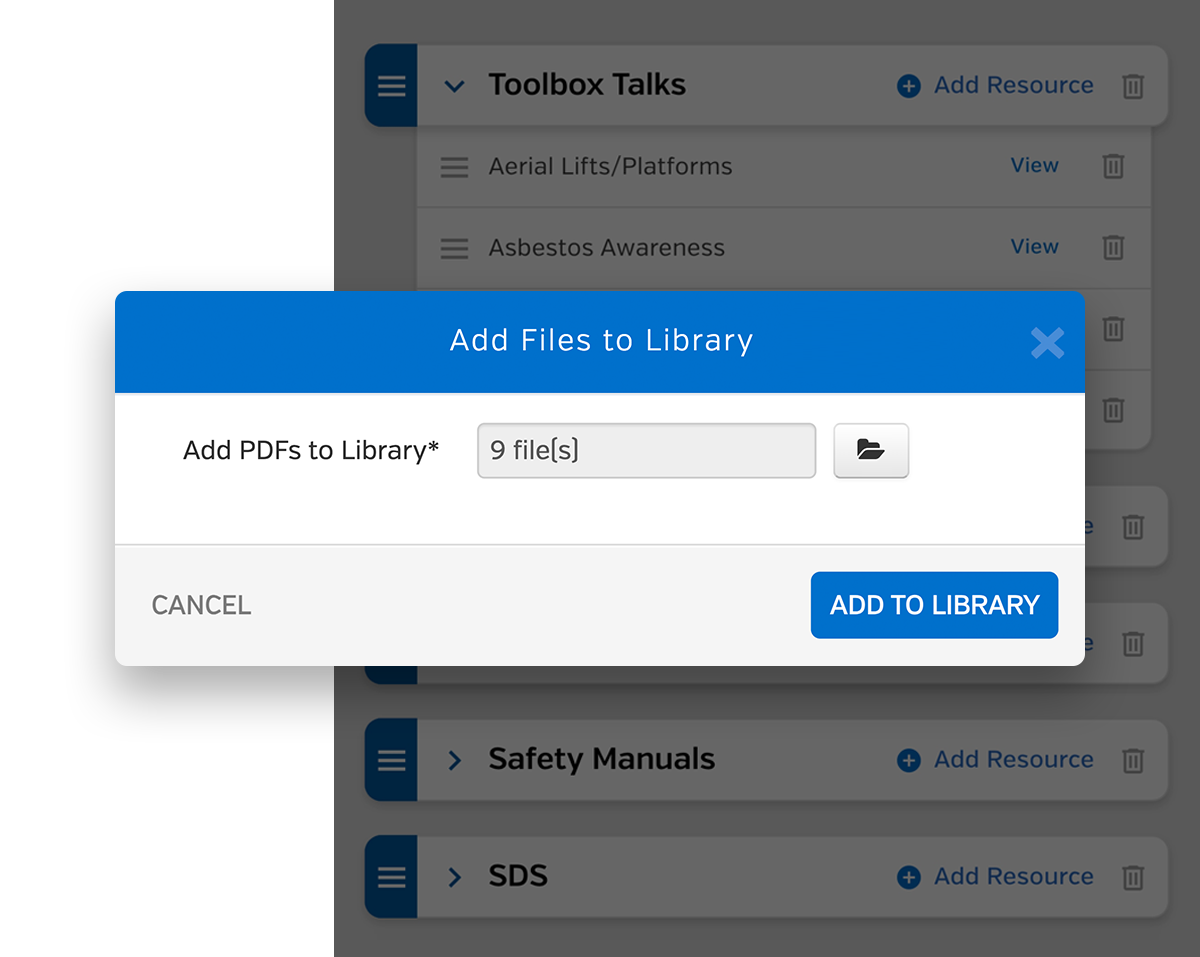
All your safety documents in their pocket – Give workers instant access to your safety documents like Safety Manual, SDS, and Safe Work Practices.
Instant distribution – No need to print, photocopy, and deliver to job sites. Upload your documents and they’ll be automatically sent to every worker’s device.
Bulk Upload – Save time by uploading as many PDF files at a time as you want.
ADD LOCATIONS
Stay Organized with Locations
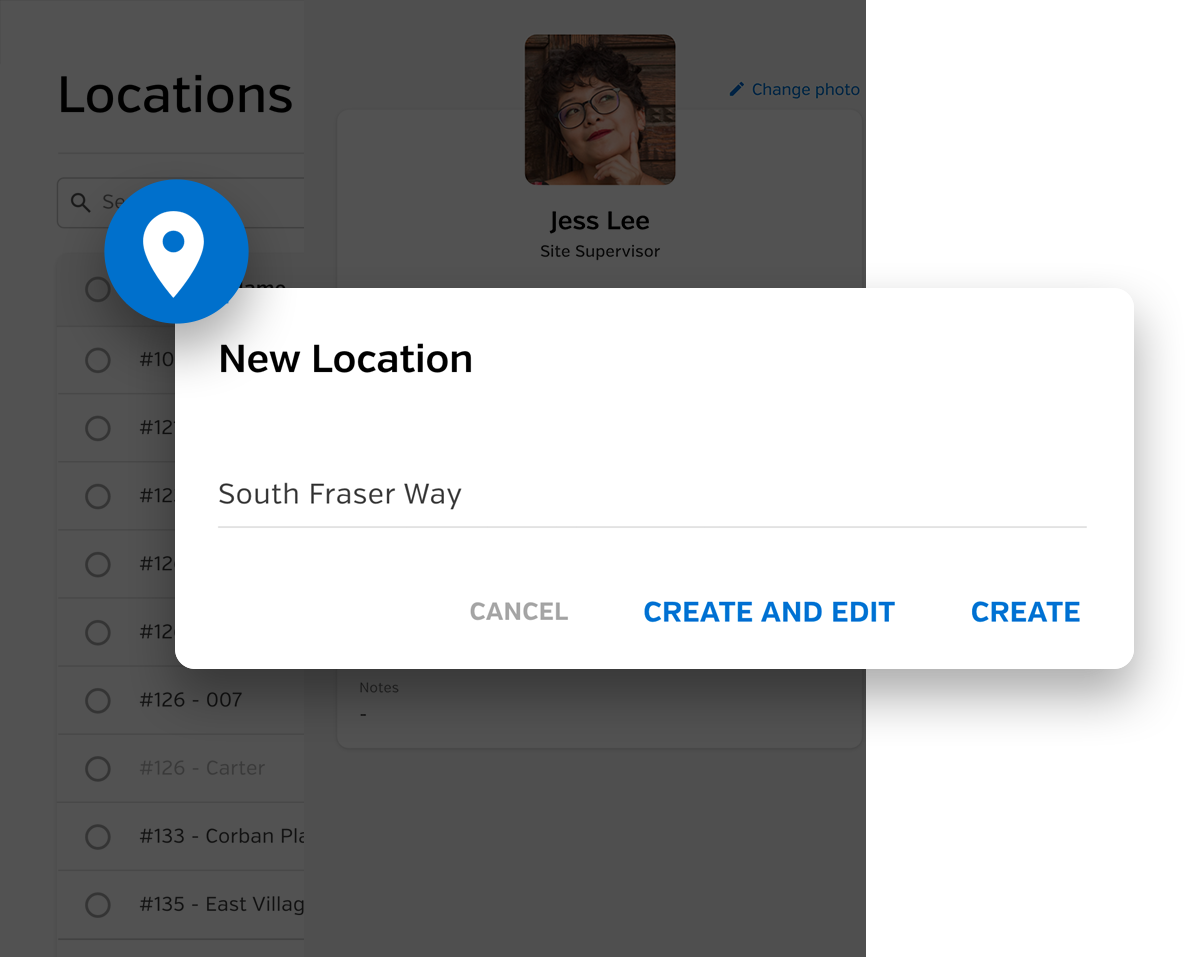
Forms are automatically filed and stored by location – View and search for all forms signed at a location.
Assign workers to specific locations – Manage which workers are assigned to specific locations in your account.
Auto share by locations – Automatically share all forms from a location to other companies.
ADD WORKERS
Manage & Track All Your Workers
Custom worker profiles – Create a profile for each worker with their information and signature history.
Track worker certifications – Add individual certificates to workers and easily track expiry dates.
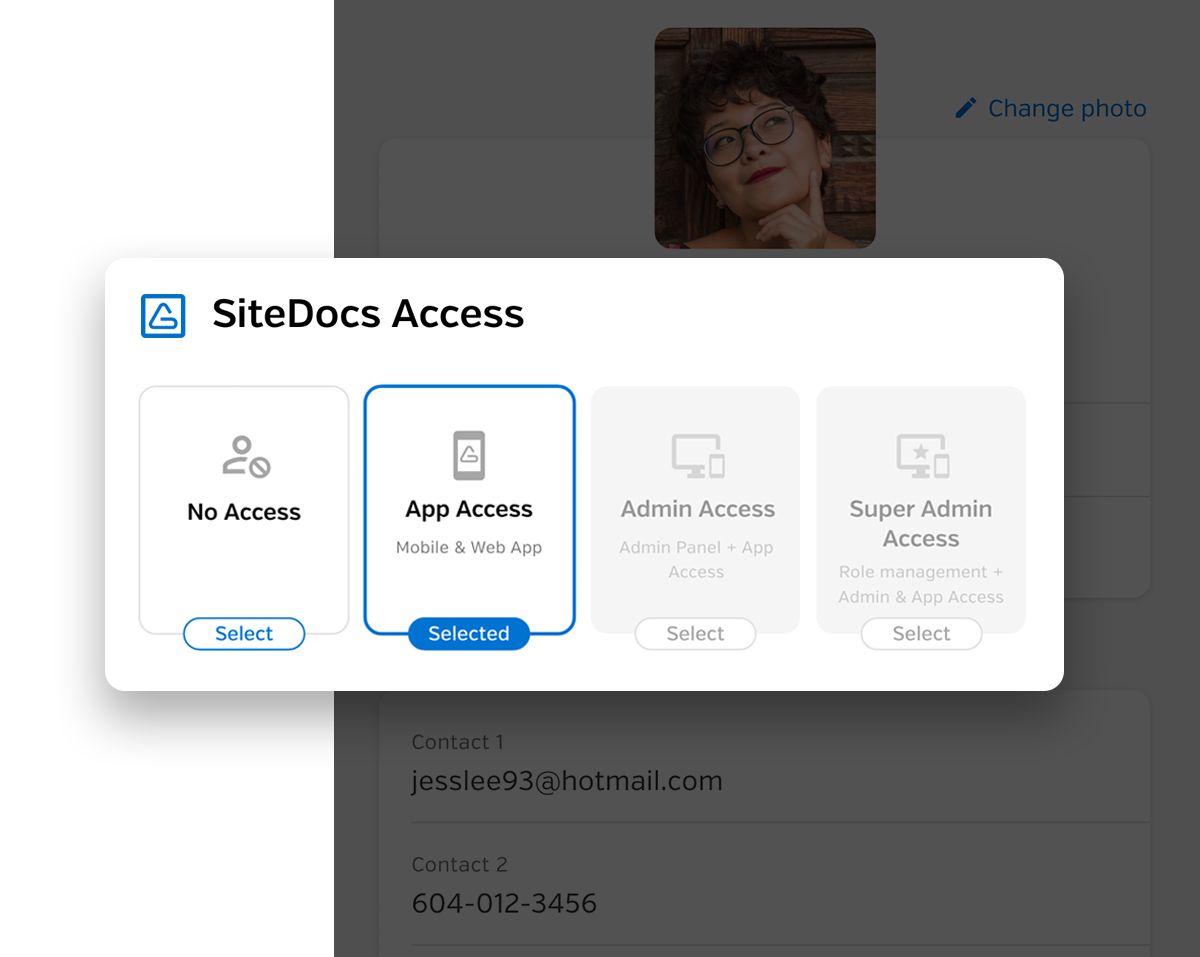
Grant mobile access – Give individual workers access to the SiteDocs mobile app with customizable permission settings.
Ensuring Safety on Site
FILL OUT FORMS
Easy to Learn, Easy to Use
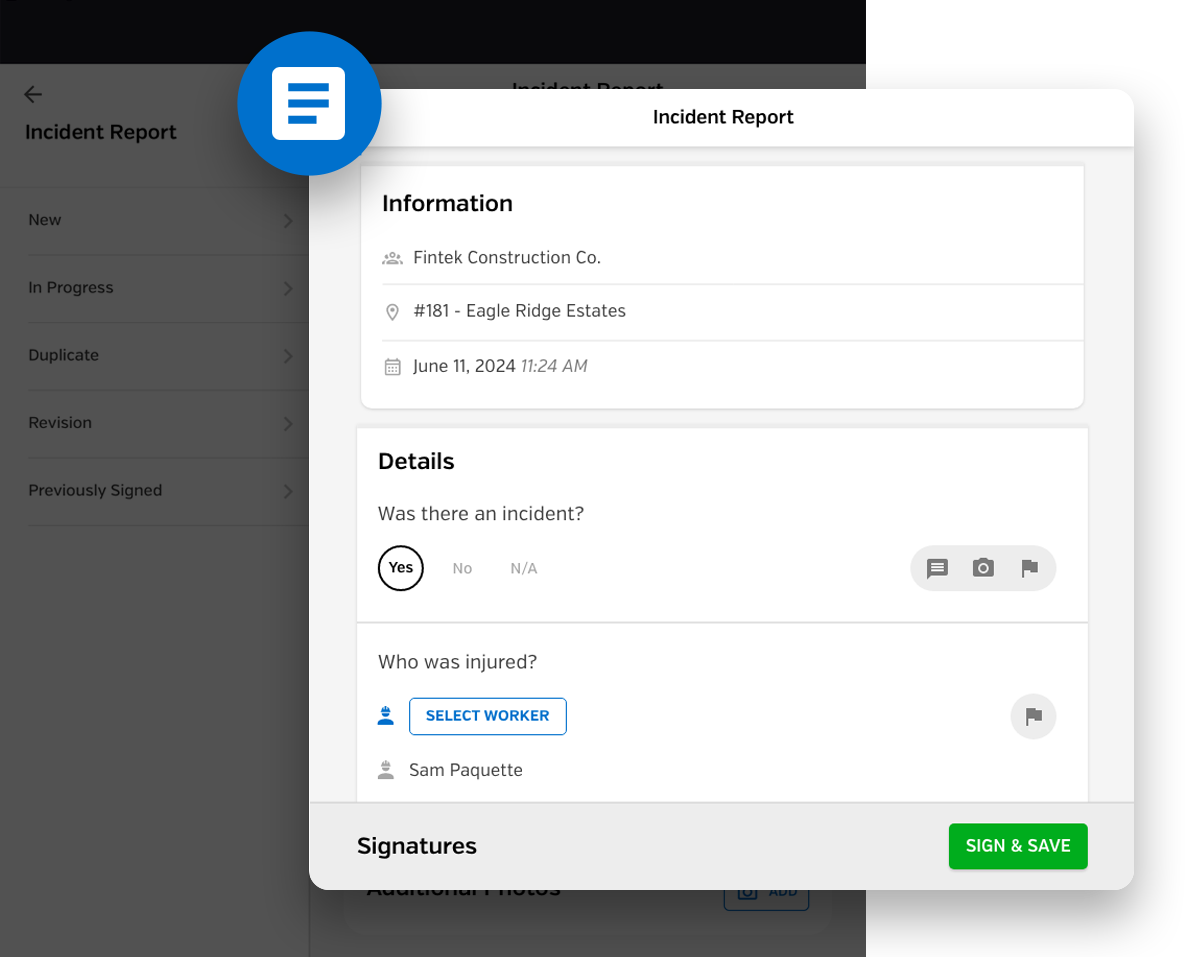
You don’t need to be tech-savvy – The simple and intuitive mobile app makes filling out forms easy and efficient.
Start and stop forms as needed – In-progress forms allow workers to automatically save a draft and finish it later.
Voice dictation – Don’t want to type? Fill out text fields with your voice.
FLAG & FOLLOW-UP
Flag Items for Follow-Up
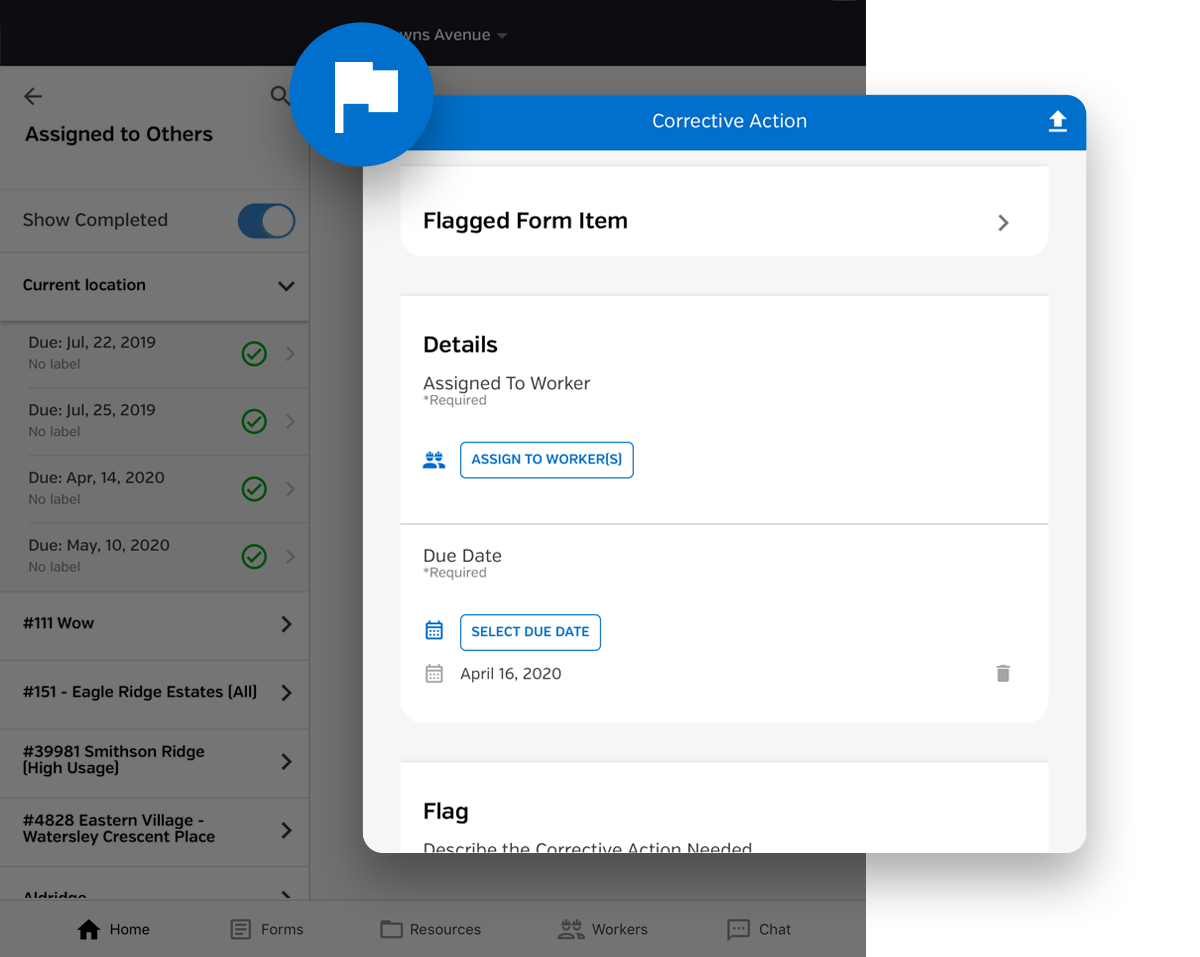
Corrective actions and more – Track corrective actions and use the form builder to customize additional follow-up types.
Flag any form item – Add a follow-up to any of your form items and automatically notify workers directly on their device.
Assign a due date and worker – Make sure flags are followed up by assigning a worker and a due date.
ADD PHOTOS
Enhance Your Due Diligence with Photos
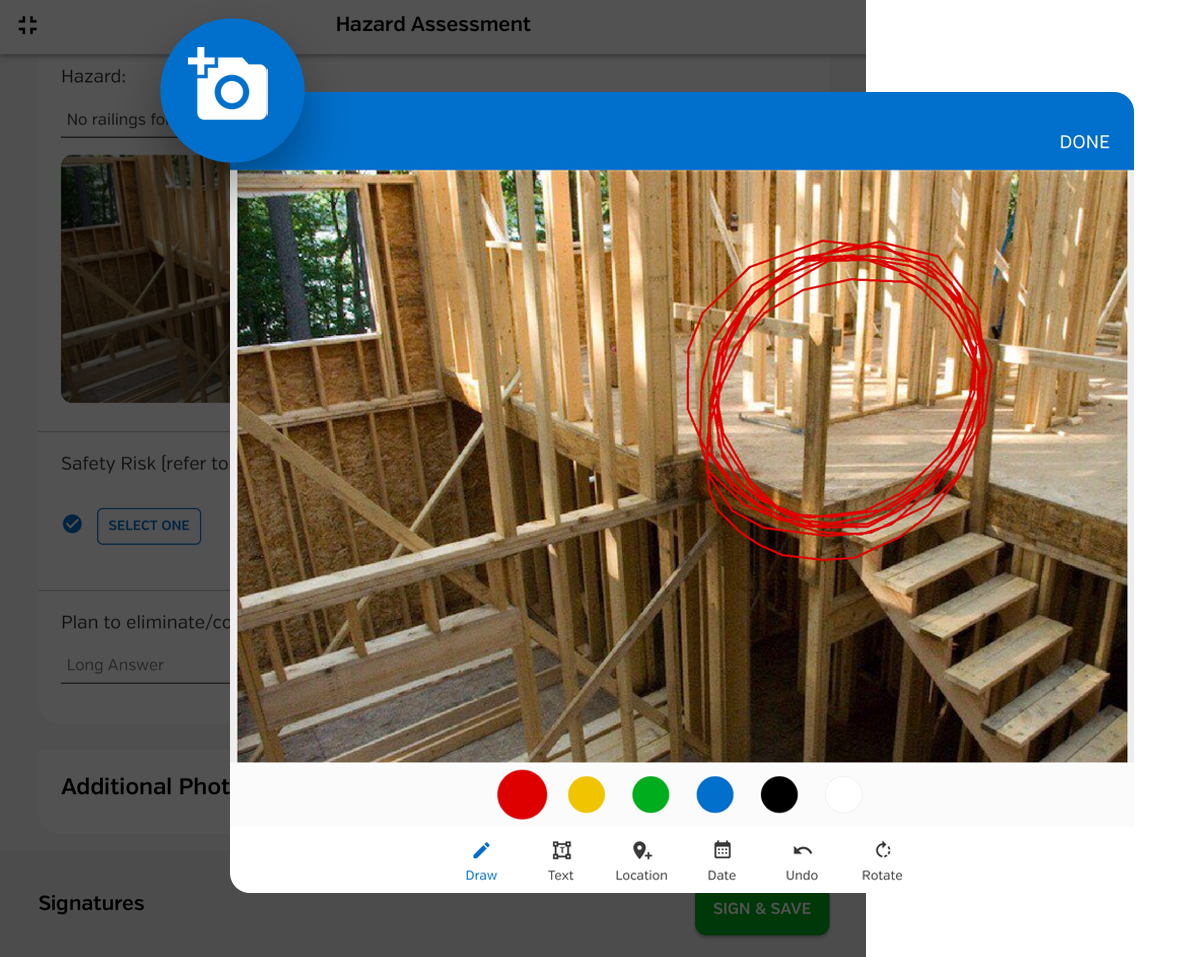
Say a thousand words with a snap – Use photos to document failed inspections, incidents, injuries, or equipment wear and tear.
Add annotations – Circle key areas or draw arrows to address specific areas of concern in photos.
Comment on each photo – Add additional commentary to any of the photos added to your form.
DIGITAL SIGNATURES
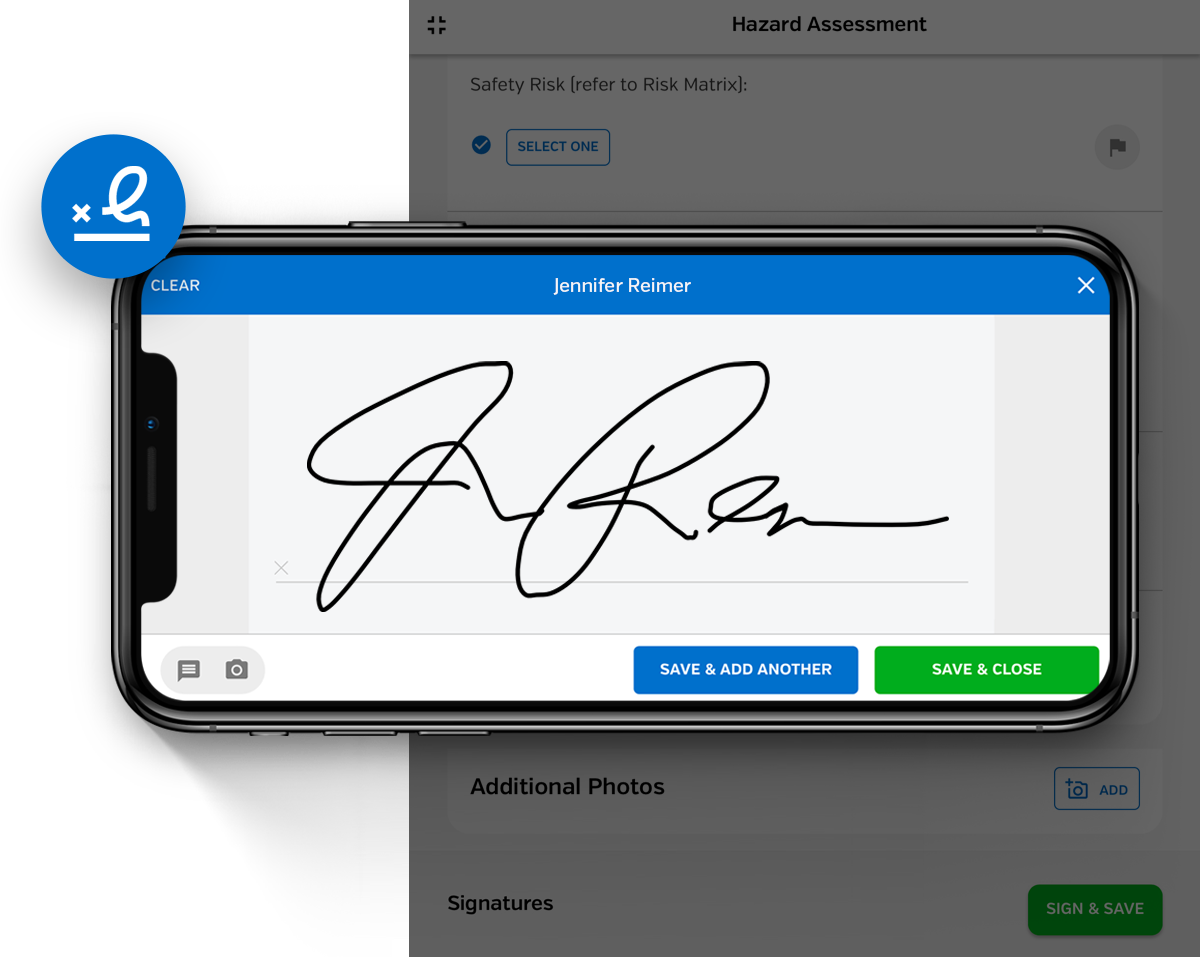
Capture Worker Signatures
Automatic date and time stamp – Know exactly when forms are signed by a worker.
See GPS location of each signature – Be sure that workers are signing forms on the job site.
CERTIFICATIONS
Track Your Certifications & Training
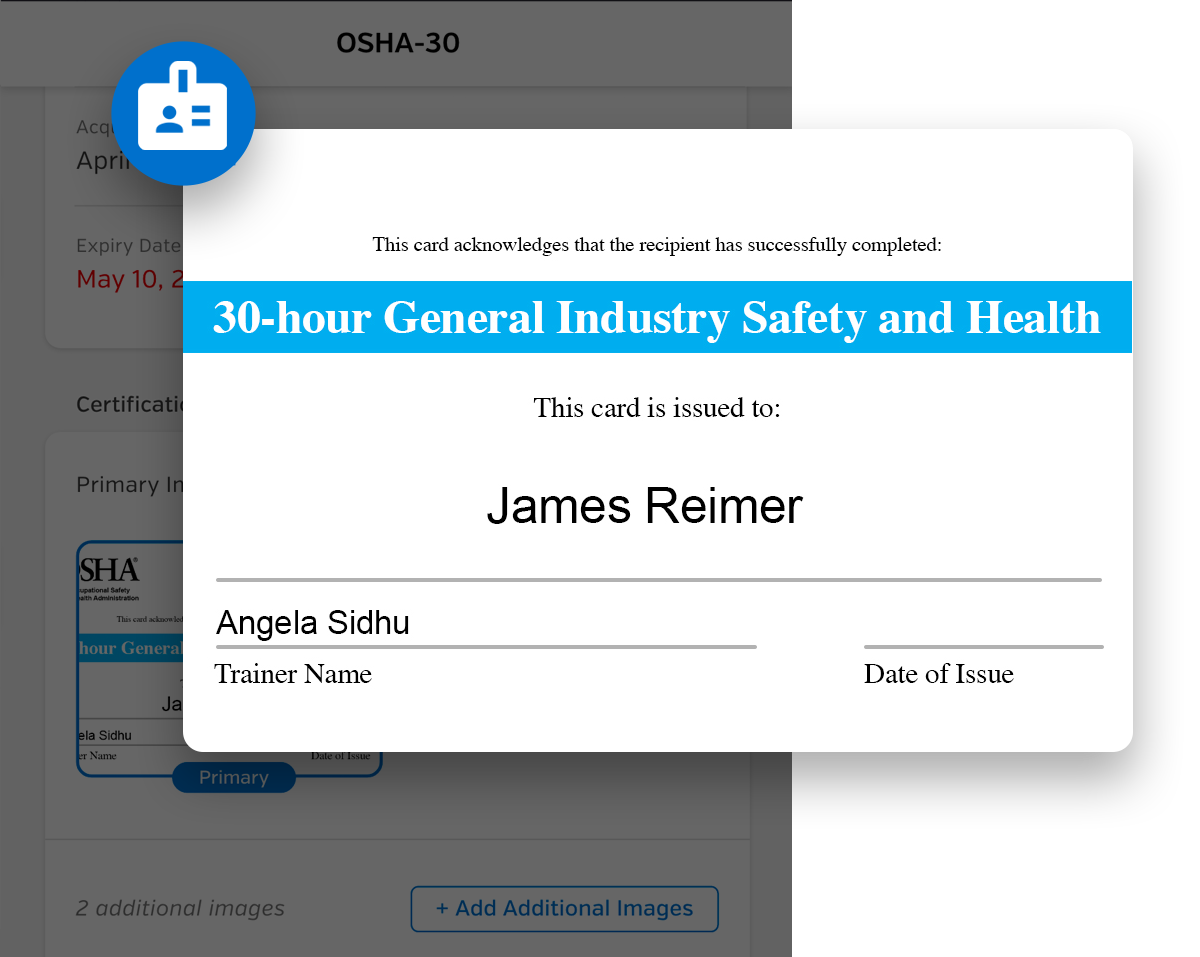
All your certifications in your pocket – Supervisors and workers have all certification details on the mobile app.
Know when certifications are expiring – Easily check that workers’ certifications are up to date or about to expire.
Add certifications – Workers can add certification with details and an image of the certification to stay up to date.
SITEDOCS CHAT
Improve Your Safety with In-App Chat
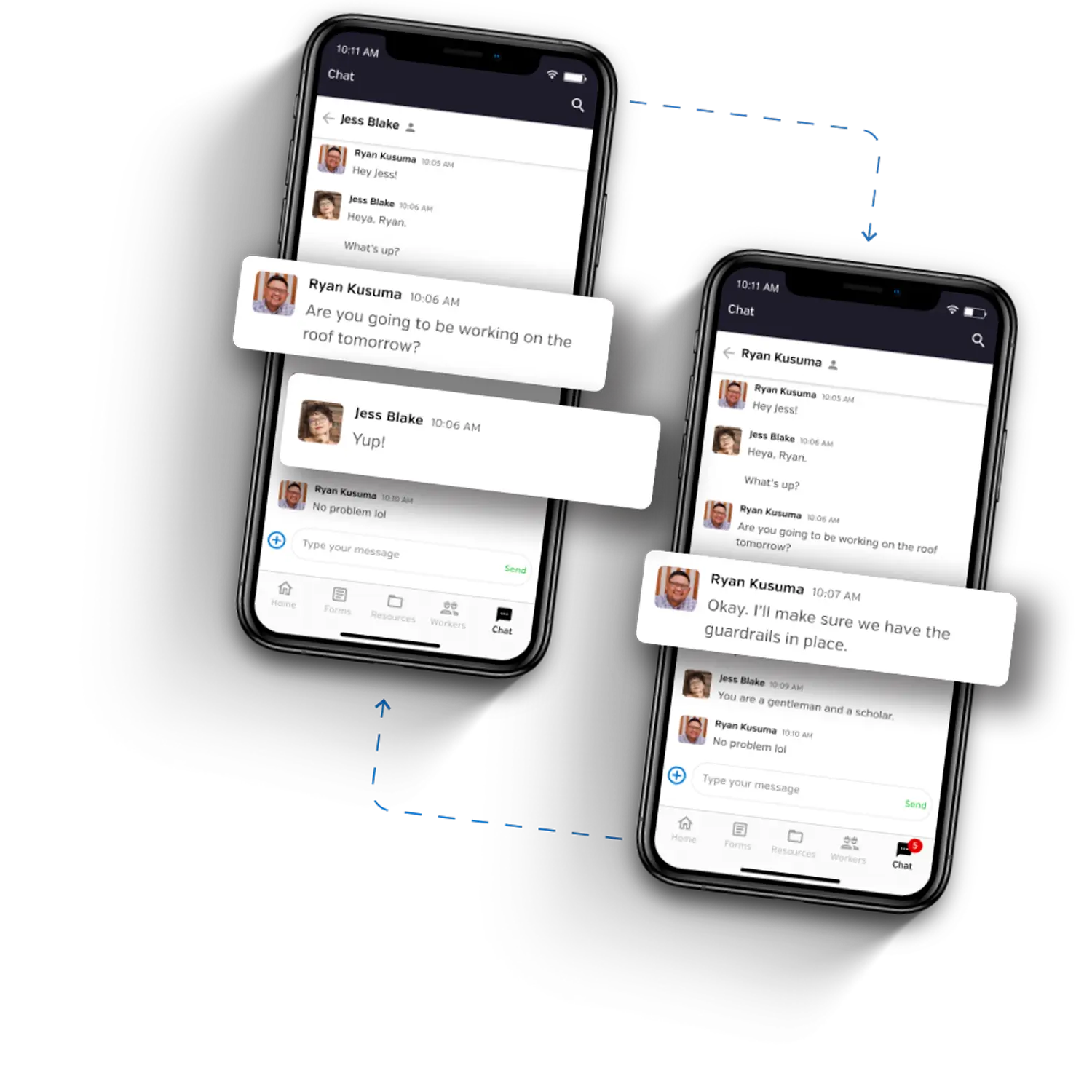
Remind workers to complete forms – Messages will show up on workers’ phones as push notifications right on their devices.
Message all workers at a location – Easily inform workers of updates or emergency notices and keep track of job site check in/out with time stamps on every message.
Send company-wide announcements – Send reminders, updates, emergency notices, or any important announcement to every worker in seconds.
OFFLINE MODE
No Network? No Problem
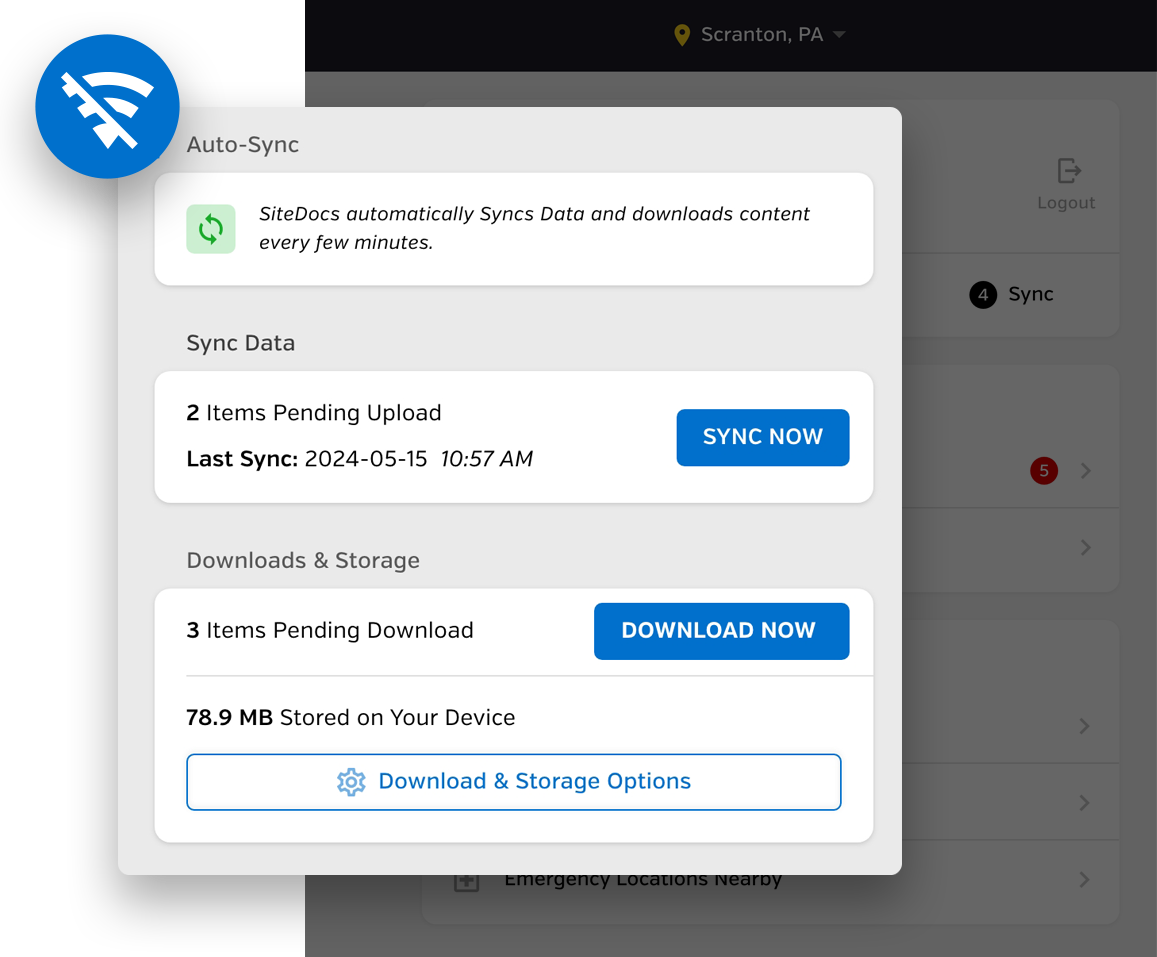
Sign offline and upload later – Forms will be saved on your device and will automatically upload soon as you are back online.
Access documents offline – Continue to access signed forms and safety documents, even without an internet connection.
Improve Compliance with Real-Time Monitoring
SAFETY INBOX
Track Forms Just Like Emails
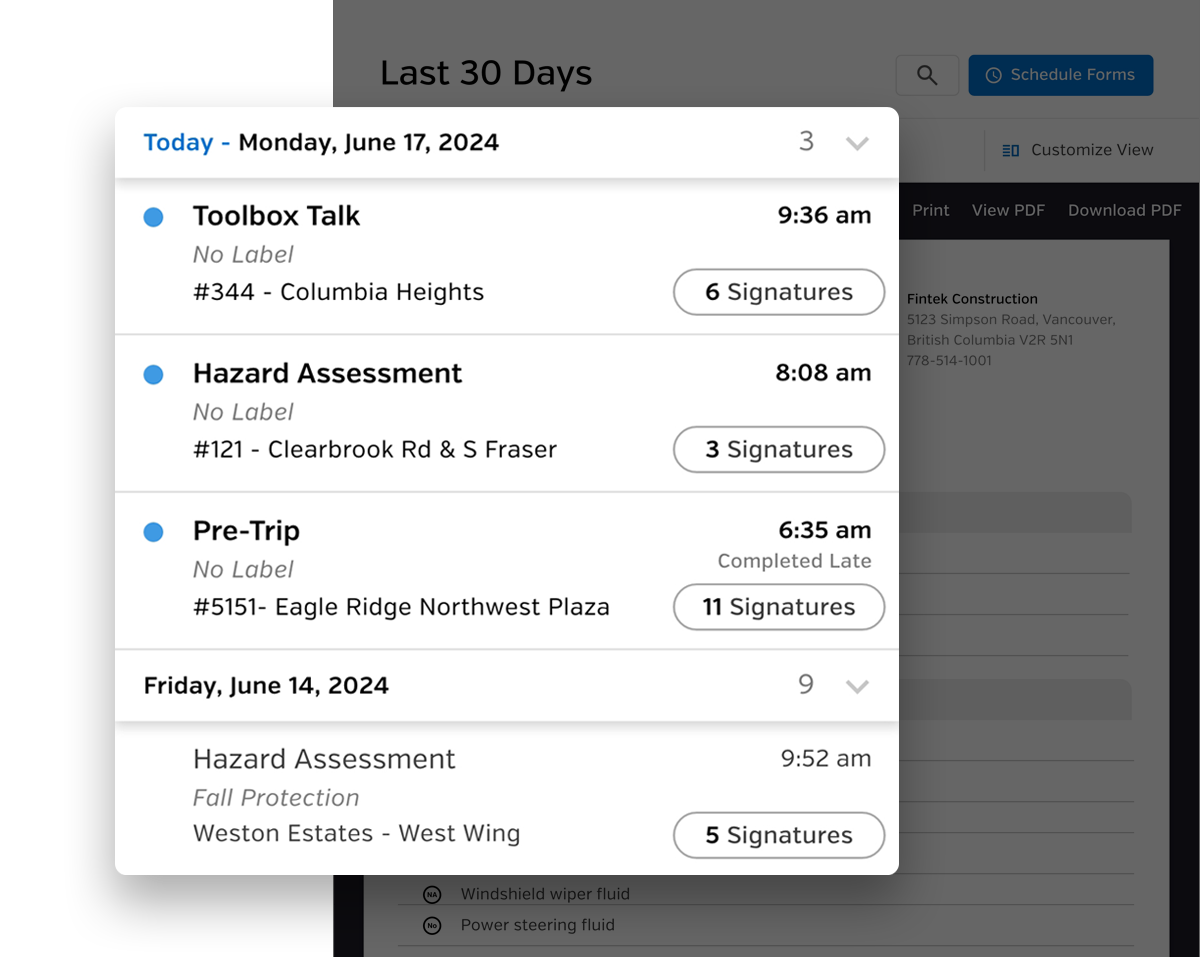
Read and unread forms – Easily see any forms that are unread so you can review and sign off if needed.
Scan and click through forms – Advance with arrow keys to efficiently review your safety forms.
See worker signatures at a glance – Click to quickly view the workers who signed a form.
REAL-TIME TRACKING
Monitor Your Safety as it Happens
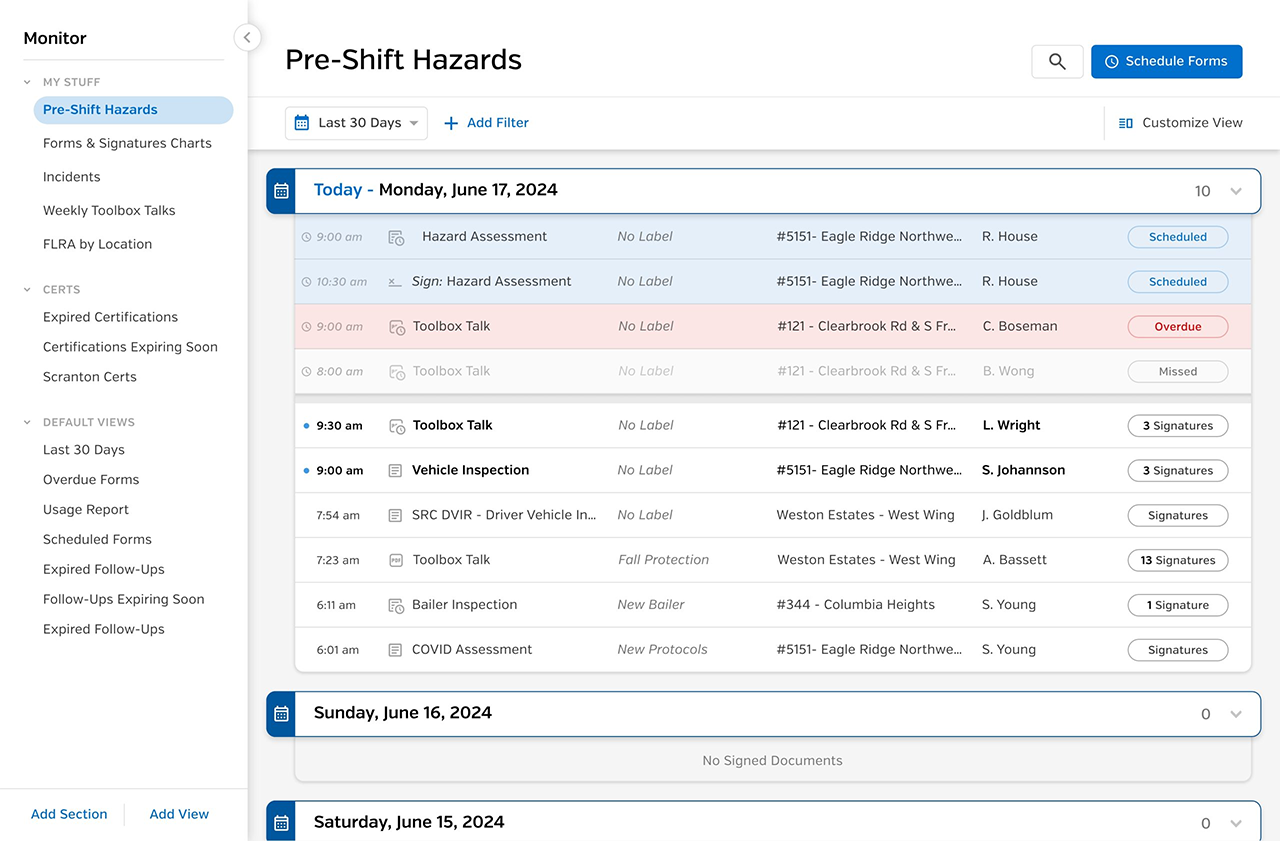
Stay up to date – See every form signed at every job site, in real time.
Improve accountability – Know which workers did or didn’t fill out required documentation.
Keep track of critical forms – Quickly see critical forms that require your immediate attention like a Near Miss or an Incident Report.
ANALYZE DATA
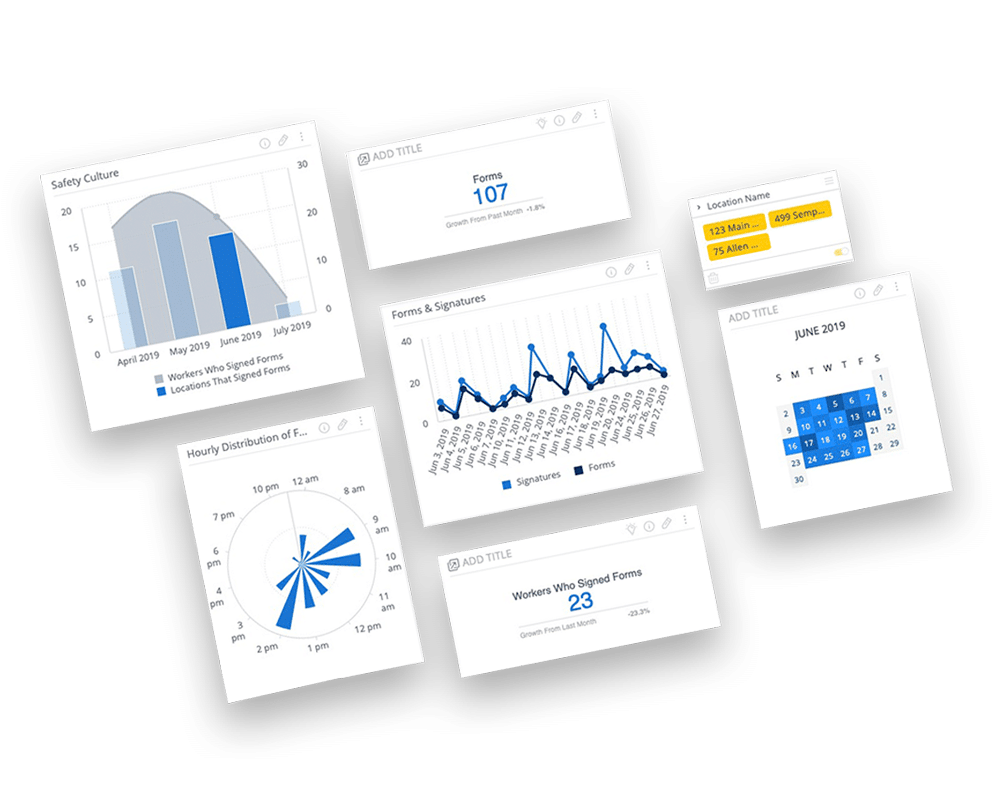
SiteDocs Analytics
Custom dashboards – Use pre-made dashboards or create your own.
Advanced filtering – Filter entire dashboards quickly and easily.
Smart suggestions – Advanced artificial intelligence for data, widgets, and other helpful tools.
Integrations and Sharing
AUTO-SHARE FORMS
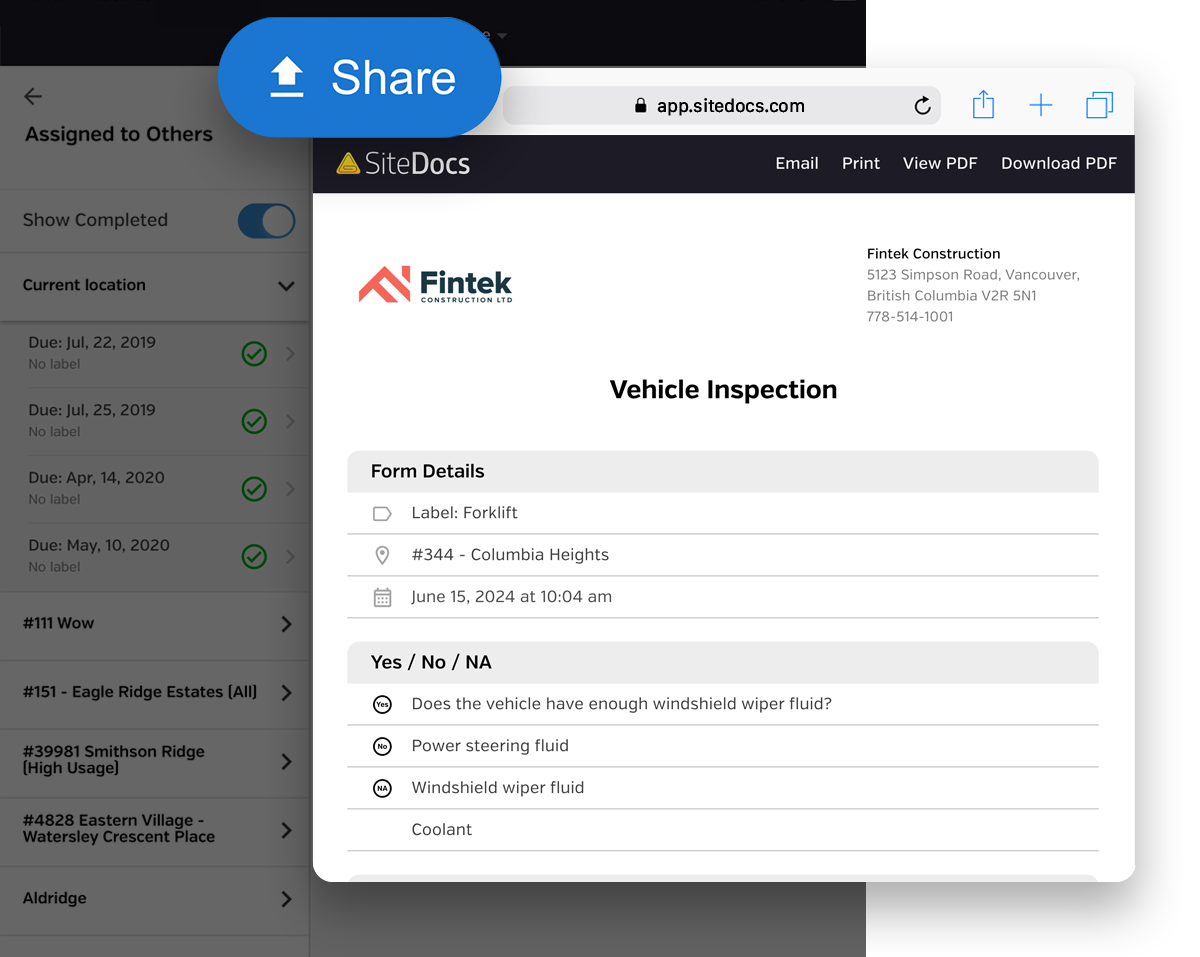
Easily Send & Share Your Forms
Auto-share by email – Set rules for forms to be auto-emailed when completed at a specific location.
Auto-share to another account – Send signed forms to be reviewed by another SiteDocs user like a prime contractor or a supervisor.
PUBLIC API
Create Helpful Workflows
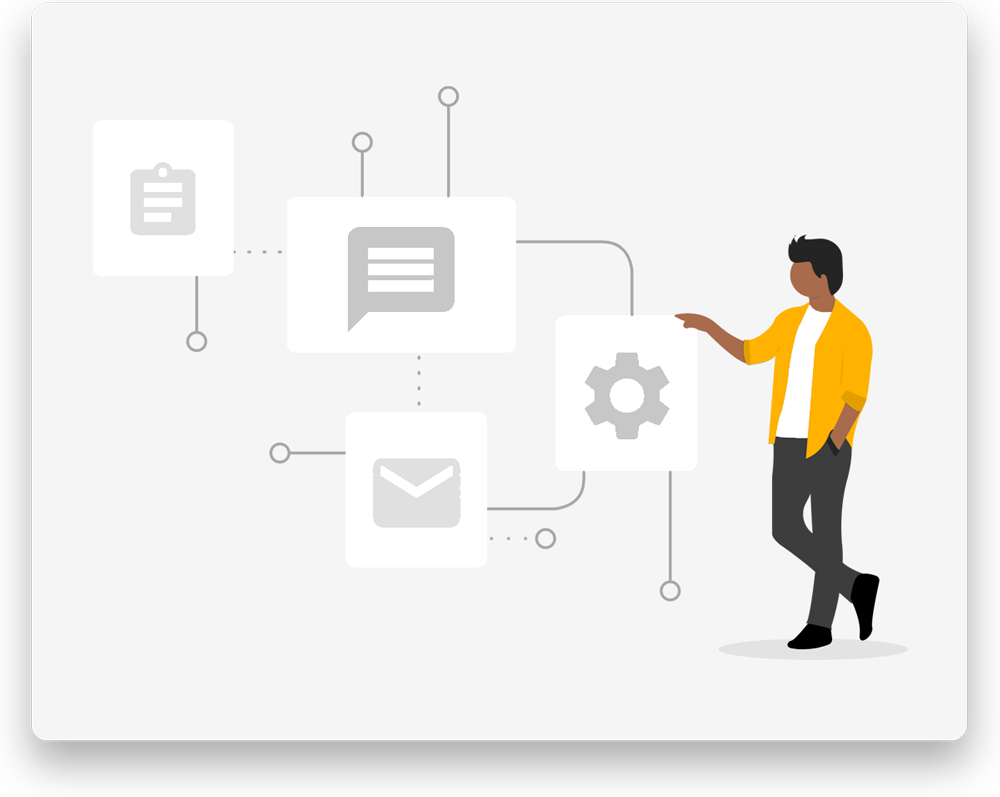
Execute specific commands – Create, read, update, and delete functions to customize your safety compliance operation.
Connect your software to SiteDocs – Give your developers the tools to connect your software to SiteDocs using our Public API.
APP INTEGRATIONS
Connect with Thousands of Apps
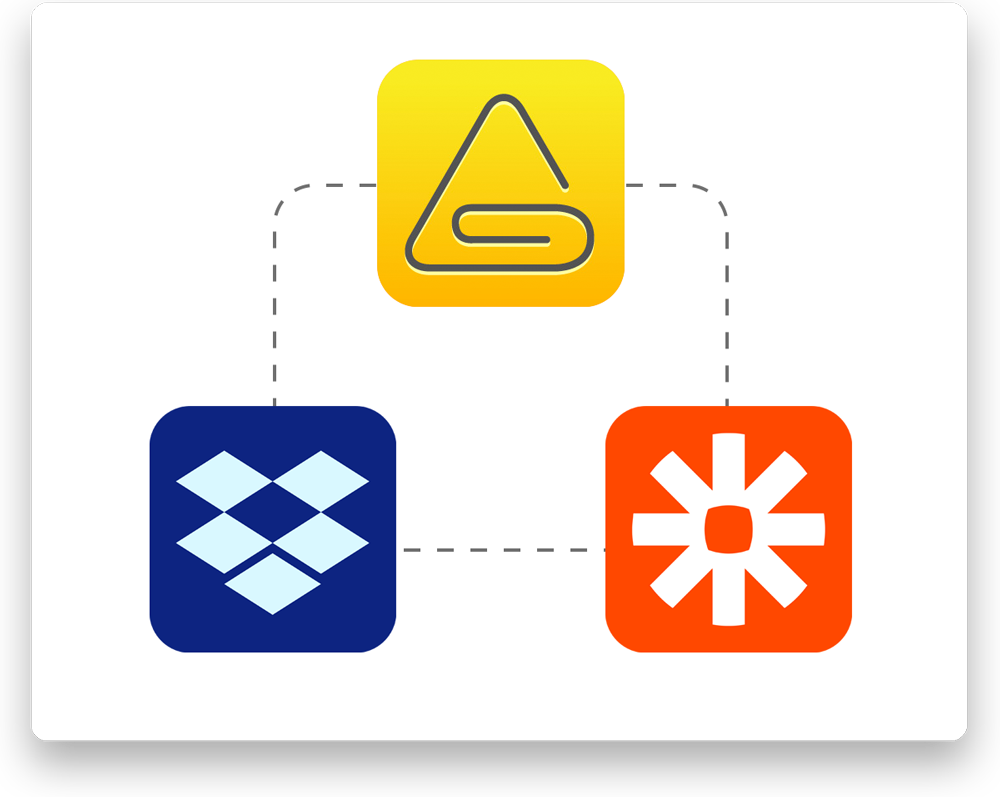
Zapier integration – Trigger automations on every new signature, completed form, and expired certifications.
Dropbox integration – Store a PDF copy of each of your signed forms right in your Dropbox account.
Book A Demo
See For Yourself
Schedule a 30 minute web session to see a web presentation and get your questions answered.
Don't waste another minute with paper